Plan a memorable birthday wish website with thoughtful ideas for the opening, personal message, photos, music, interactive details and a simple shareable link.
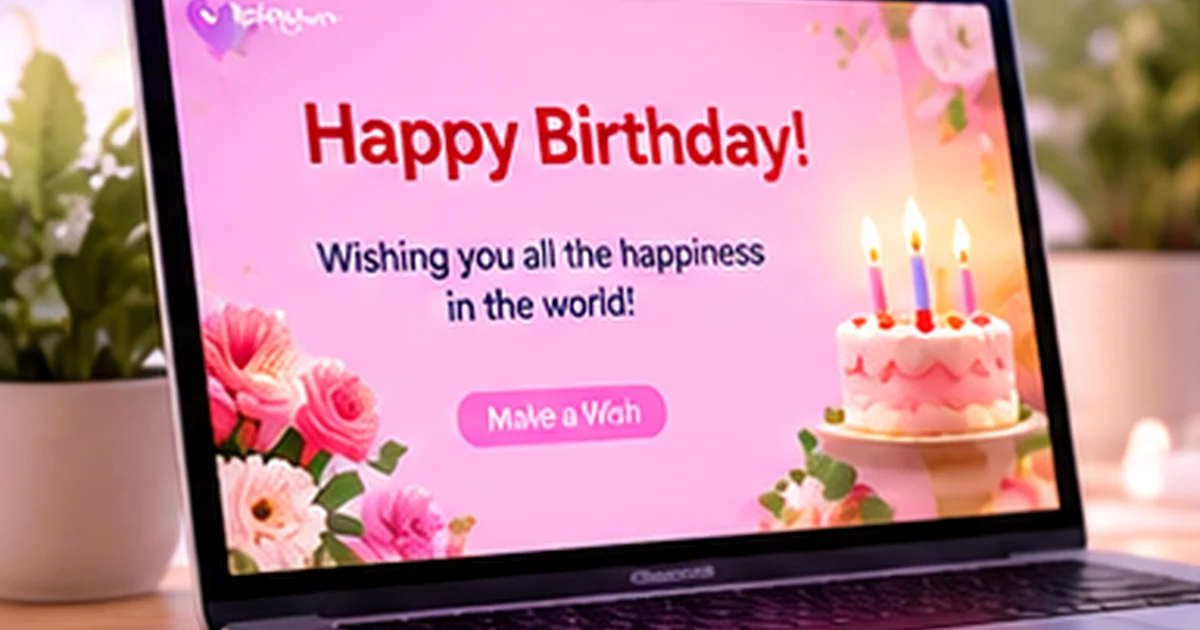
Begin with the person, not the template
The best birthday website is not necessarily the one with the most effects. It is the one that feels like it could only have been made for that person. Think about the things they enjoy, a shared memory, an inside joke or a quality you genuinely appreciate. Let those details guide the design and message.
Before you start, make a small list: the person's name, the tone you want (playful, heartfelt, elegant or nostalgic), two or three memories, and any photos you have permission to use. This gives the page a clear direction.
Plan a first screen that creates curiosity
The opening screen is the first thing the recipient sees. Keep it simple: a short greeting, their name and a visual that fits their personality. A gentle reveal or a clear button can invite them to continue. Avoid putting every photo and every message on the first screen; give the page room to unfold.
Write a birthday message that sounds like you
Try this structure if you are not sure where to begin:
- Start with a direct wish. Say happy birthday in your own voice.
- Mention something specific. Recall one moment, habit or quality that makes the person special.
- Look ahead. Share a sincere hope for the year ahead.
- End naturally. Close with your name, nickname or a familiar sign-off.
Do not copy a message just because it sounds poetic. A few honest sentences will often feel more personal than a long collection of generic wishes.
Choose photos and media with a reason
A small set of meaningful photos can tell a story: an early memory, a favorite day and a recent moment. Use clear images, avoid uploading several nearly identical shots and check that everyone pictured is comfortable with the image being shared. If your selected template supports a gallery, captions can add context that a photo alone cannot show.
Music, audio and video may also be available, depending on the template. Use them thoughtfully. The page should still communicate its main message if the recipient opens it in a quiet place or chooses not to play sound.
Add one small surprise
Choose one detail that makes the page feel special: a hidden note, a short video greeting, a countdown, a memory chapter or an interactive element supported by your chosen design. One well-placed surprise can be more effective than filling every section with animation.
Check the page before the birthday
- Check the recipient's name and birthday date.
- Read the message once out loud to catch awkward wording.
- Open the preview on a phone and test the interactive parts.
- Confirm that uploaded images, audio or video display correctly.
- Publish and test the final public link before sending it.