A personal surprise website can contain names, photos, messages and memories. Before you send the link, take a moment to decide who should see it, what information belongs on the page and how the recipient can open it comfortably.
Understand what a shareable link means
A link is convenient, but it is not automatically a password or privacy boundary. Depending on the platform and its settings, anyone who receives or is forwarded the URL may be able to open the page. Do not describe a page as private or password-protected unless the product explicitly provides that protection and you have enabled it.
Choose the audience before you publish. A surprise for one person usually does not need to be posted publicly on social media.
Remove information that should not travel with the link
Review every section for home addresses, phone numbers, personal email addresses, account details, private screenshots or other sensitive information. A message intended for one person can be forwarded, copied or viewed on a shared device.
Use first names or nicknames where appropriate. If the page includes a location or event detail, share only what the recipient needs to know.
Ask before using other people’s photos
Use photos that the people pictured would be comfortable seeing on the page. Be especially careful with children, private gatherings and images that could embarrass someone if the link travelled beyond the intended audience. A meaningful surprise should not come at the expense of someone else’s comfort.
If you are unsure, choose another image or ask first. You can still make a warm page with a written memory, illustration or photo of a place.
Test the page and the preview before sending
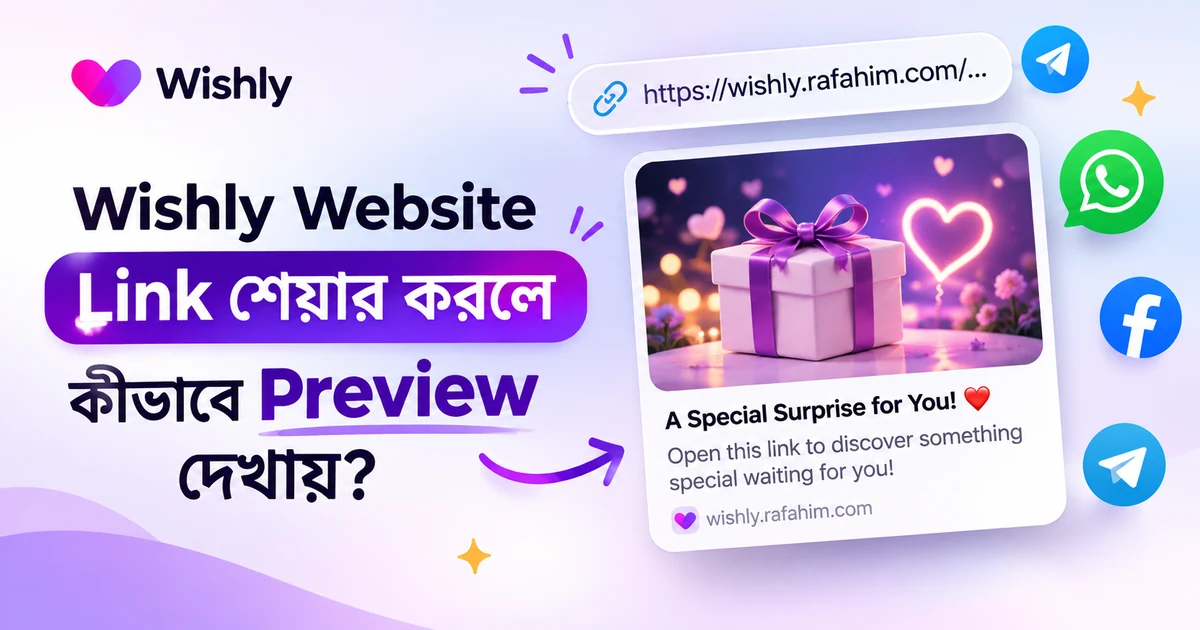
Open the published link in a private browser window and test it on a phone. Check the title, preview image, spelling, media playback and external links. If you use the link in a chat app, see how the preview appears before sending it to the recipient.
Do not assume a preview image is the same as the full page. Check both, and make sure the image itself does not reveal information you did not intend to share.
Choose a considerate way to send the surprise
Send the link through a channel the recipient normally uses. Add a simple note so they know it is safe to open and whether they need sound or headphones. Avoid repeatedly messaging someone to open a surprise if they are busy or have not responded.
If the page is meant for a group, make the audience clear and avoid tagging people in a public post without asking.
A privacy check before publishing
- Confirm who should receive the link.
- Remove sensitive contact and location details.
- Use photos with permission or clear comfort from the people shown.
- Do not assume a link is password-protected.
- Test the public page and social preview.
- Share through a suitable channel and respect the recipient’s choice to open it later.
Frequently asked questions
Is a website link private if I only send it to one person?
Not necessarily. A link may be forwarded or opened by others who obtain it. Do not include sensitive information unless the platform offers an appropriate protection and you have verified it.
Can I put personal photos on a surprise website?
Use photos that you have the right to share and that the people pictured would be comfortable with. Avoid sensitive or embarrassing images.
Should I post a surprise website on social media?
Only if the intended audience and people shown are comfortable with public sharing. For a personal surprise, sending the link directly is often more considerate.
Wishly features, templates and editor controls may change. Check the current product interface and the selected template for the latest options. Avoid sharing personal information that should remain private.